Home » Gadgets » Moving Beyond GUIs: Why Docker Compose Simplifies Container
Moving Beyond GUIs: Why Docker Compose Simplifies Container
✍️ By Brilliant Paul Babu, Editor • 🕒 November 23, 2026 How-To
Transitioning from graphical interfaces to Docker Compose offers a more reliable, documented approach to managing containerized applications.
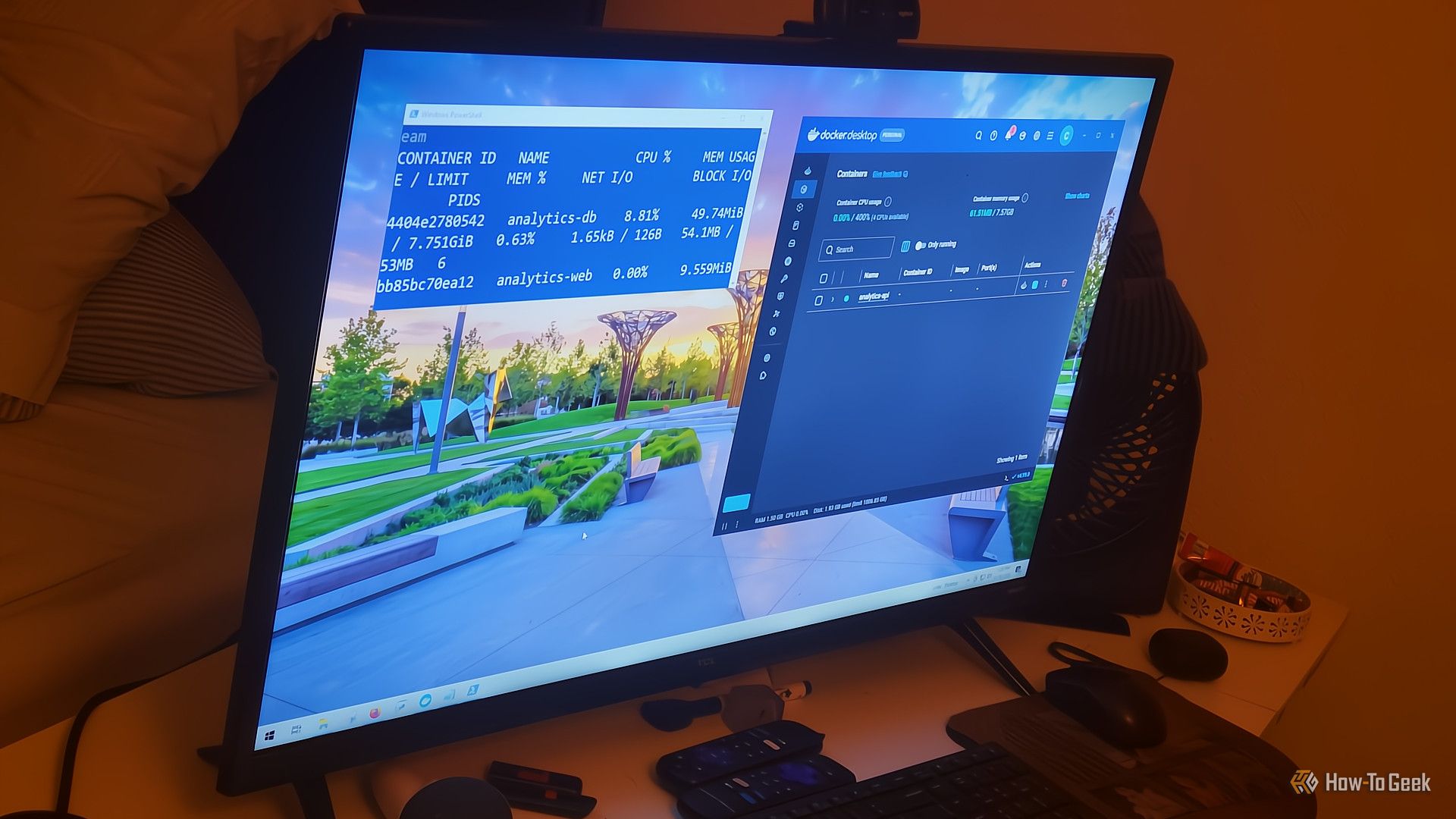
Image: How-To Geek
The Limitations of Manual Container Configuration
Relying on graphical interfaces like Portainer or Docker Desktop often leads to configuration drift. While clicking through menus to set environment variables, port bindings, or volume mappings feels convenient initially, it obscures the logic behind your choices. Months later, recreating that exact environment from memory becomes a significant challenge. Because these manual actions are not recorded, you lack a history of how a stack was built. This makes troubleshooting difficult when settings are forgotten or when you need to migrate a project to a different machine without clear documentation.
Transitioning to a Text-Based Workflow
Docker Compose solves these issues by shifting the process to a declarative model using a compose. yaml file. Instead of navigating through nested windows, you define your services, networks, and volumes in plain text. This file acts as a permanent record of your infrastructure, which can be reviewed by others or tracked using version control systems like Git. By describing the desired end state rather than the steps to achieve it, you ensure that your deployment remains consistent regardless of the host machine or the passage of time.
Getting Started with the Compose Plugin
Setting up the environment is straightforward for most users. If you are running Docker Desktop on Windows or Mac, the CLI plugin is already included. Linux users can obtain the plugin through the official Docker package repository or by manually placing the binary in the CLI plugin directory and marking it as executable. Once installed, you can integrate the tool directly into your terminal workflow. Creating a new project simply requires generating a folder and a compose. yaml file, allowing you to define your web apps and databases together.
Deploying and Managing Services
Once your configuration file is ready, the command docker compose up -d launches your stack in the background. The system automatically handles network creation, volume setup, and image pulling. You can monitor your services using docker compose ps or view real-time activity with docker compose logs -f. When you need to stop the project, docker compose down removes the containers and networks while preserving your named volumes. Although YAML formatting requires careful attention to indentation, the efficiency gained by using this text-based approach far outweighs the initial learning curve.
Key Points
- Manual GUI configurations often result in undocumented settings that are difficult to replicate later.
- Docker Compose uses a compose. yaml file to store infrastructure definitions in a readable, version-controllable format.
- The tool simplifies complex deployments by allowing containers to communicate via service names rather than IP addresses.
- Running docker compose up -d initiates the entire stack, while docker compose down cleans up resources efficiently.
Frequently Asked Questions
Why is Docker Compose better than using a GUI?
It allows you to document your entire application setup in a single text file, making it easier to track changes and deploy on different machines.
How do I start a container setup using Docker Compose?
Create a folder, define your services in a compose.yaml file, and run the command docker compose up -d.
More Tech Updates
- More Tech Tips How To news and updates
- Latest AI news
- Android tips and news
- iPhone and iOS updates
- Cybersecurity alerts
- Tech Updates Daily — home
Source: How-To Geek — Read the full original report at the source.
Disclaimer: This is an original article written for information purposes only, based on publicly available reports. All rights to the original report belong to its publisher. If you are a rights holder and want any content reviewed/removed, please see our DMCA / Copyright page — we act within 24-48 hours.