Home » Gadgets » Testing WordCraft, GridCraft, and DeckCraft: Can AI Office
Testing WordCraft, GridCraft, and DeckCraft: Can AI OfficeLatest technology news and analysis by Tech Updates Daily
✍️ By Brilliant Paul Babu, Editor • 🕒 November 27, 2026 AIHow-To
A project utilizing artificial intelligence to create free, open-source Microsoft Office alternatives has launched WordCraft, GridCraft, and DeckCraft. Real-world testing reveals impressive speed and open-source appeal, but critical bugs and missing security features mean these applications are not yet ready for daily professional tasks.
Putting ArtCraft Office Applications Through Real Tests on Windows 11
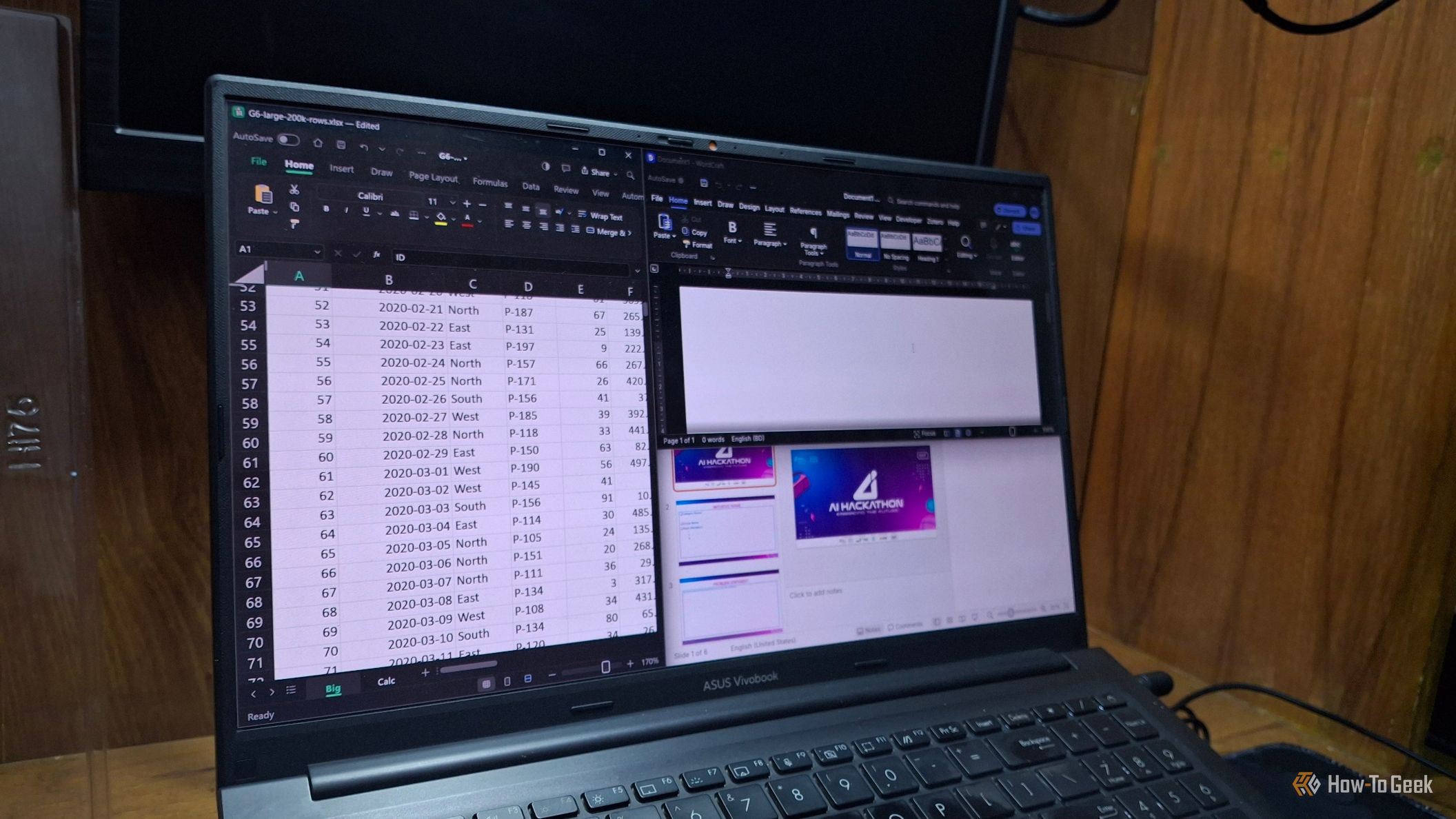
Following a previous project that used artificial intelligence to build free Adobe alternatives, the creators turned their attention to Microsoft Office. This resulted in a suite of free and open-source tools that also run on Linux. Testing these applications on a Windows 11 laptop provided a fascinating look at what current artificial intelligence tools can generate. WordCraft 0. 18. 1 handled small, everyday writing tasks smoothly during initial trials, and quick edits went off without a hitch. An italics bug previously encountered by content creator FUTC on an early build failed to appear during these tests. However, the software proved far from ready for daily workflow demands. The moment a second document joined the first, functionality began to break down completely. Any new or existing file refused to come to the front of the screen. Instead of appearing normally, the window showed up in Alt+Tab, flashed for less than a second, and immediately minimized again. WordCraft's own Switch Windows option offered no relief for this frustrating behavior, leaving Windows 11's Snap Layouts as the only escape route to pick the stuck window. GridCraft, tested on the same machine, behaved normally, confirming the issue rests squarely with WordCraft. Curiously, the software roadmap promises that new documents will open in a window of its own, focused.
Minor Visual Glitches and Typography Hurdles in WordCraft
Beyond the window management problems, several smaller rough edges appeared during the evaluation of WordCraft. The underline on the ribbon jitters under Home regardless of which tab is selected by the user. This erratic visual state likely ties back to the multi-document handling bug. Non-English text also demands careful handling. Bengali, the native language of the tester, broke in the default font and required switching to something like Nirmala UI to render correctly. Out of the box, the spell check feature skips Bengali entirely. Scrolling through the font list occasionally caused the application to freeze rather than scroll smoothly. Despite these noticeable flaws, basic writing tasks remained manageable under specific conditions. Yet, the presence of jittering interface elements, frozen font lists, and broken non-English typography highlights the distance these artificially generated programs must travel before matching the polish of commercial office suites. Users attempting to draft documents in languages outside the Latin alphabet will encounter immediate hurdles that require manual font substitutions.
GridCraft Excels at Math But Fails Security Basics
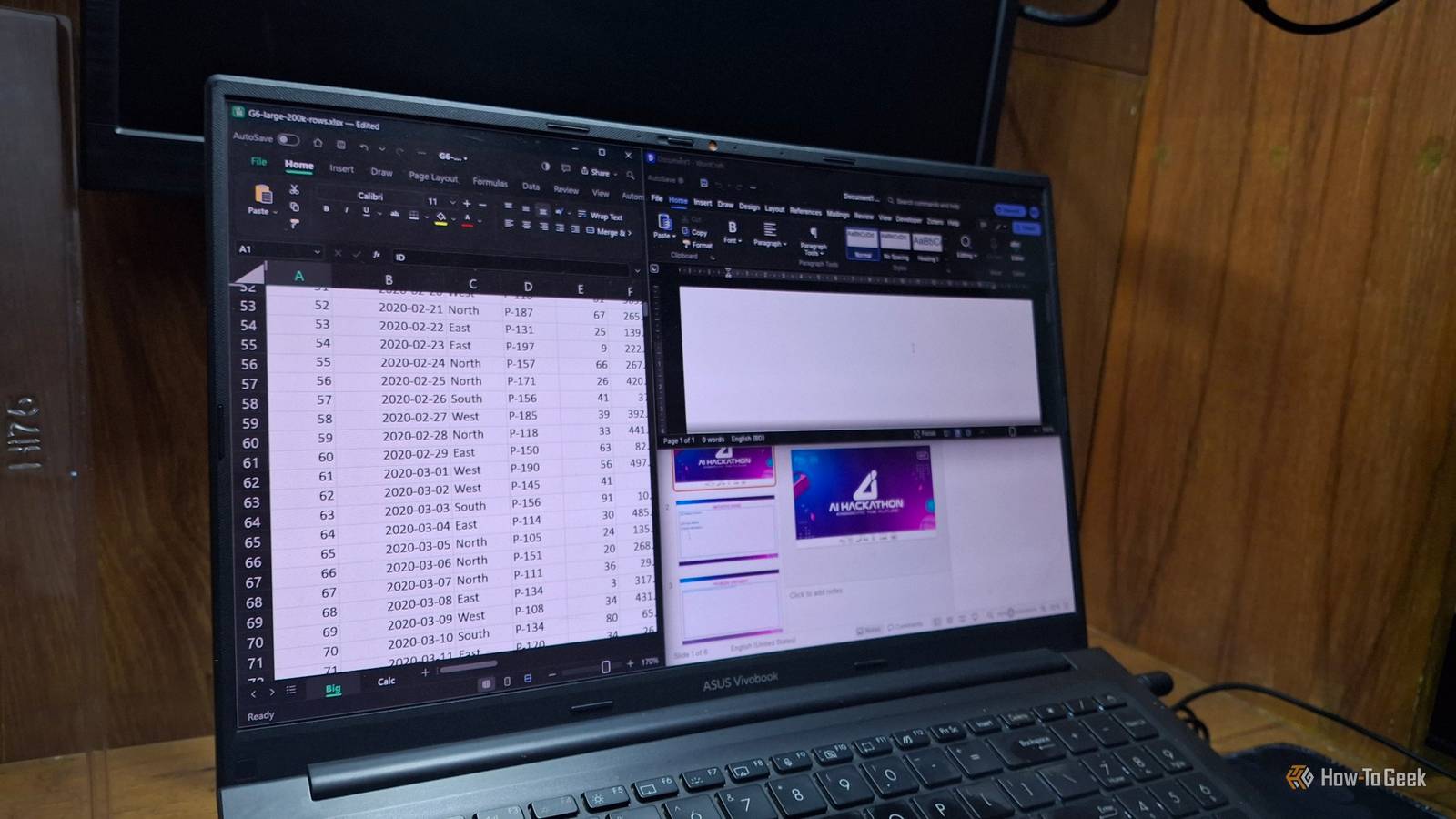
GridCraft 0. 19. 1 delivered the most astonishing performance during mathematical tests, successfully calculating a test workbook containing 29 formulas. Every single formula returned the correct answer, encompassing advanced functions like XLOOKUP, structured table references, and even replicating Excel's famous 1900 leap-year bug faithfully. A massive file consisting of 200,000 rows opened almost instantly, sorting data quickly with totals matching expectations. Unfortunately, serious trouble emerged around file security and data preservation. Opening a password-protected workbook, editing a single cell, and saving it as a new file resulted in a copy that opened without prompting for any password. No warning, prompt, or security alert appeared. GridCraft's own list of known gaps openly admits that saving encrypted files remains unsupported at this stage. Even with that documented gap, a salary sheet quietly shedding its lock represents a severe hazard for professional environments. GridCraft duplicated Excel's mathematical capabilities successfully, but completely failed to provide the file safeguarding expected from a standard spreadsheet program. Users relying on these open-source spreadsheets for sensitive financial data face substantial risks until security mechanisms match calculation accuracy.

Export Discrepancies and DeckCraft Presentation Quirks
Exporting documents to PDF format introduced another unexpected hurdle for GridCraft. Emoji and several non-Latin scripts, including Hindi, Arabic, Thai, and Bengali, vanished completely from the exported PDF file. While the text remained available for copying, anyone viewing the exported document saw only empty cells. Interestingly, Chinese and Japanese characters converted into the PDF without any issues. Ironically, the application gap list claims that Arabic PDF output functions correctly. Meanwhile, DeckCraft 0. 18. 1 offered a surprising level of stability in certain areas. Bengali text rendered correctly, five different font weights on a test slide appeared distinctly, and slideshow transitions executed smoothly with zero lag. Chart data editing functioned as expected once located inside the Chart Design tab. One text-heavy presentation experienced slight shifting across elements, though PowerPoint exhibits similar behavior between different versions and devices. Opening a second deck via File > Open presented a severe workflow hazard, as DeckCraft closed the active presentation and replaced it with the new one without warning. Any unsaved edits vanished instantly into the ether, creating a dangerous trap for anyone comparing revisions of a critical pitch deck.
Background File Retention and Odd Developer Messages
Further exploration into DeckCraft revealed bizarre window management traits. Opening multiple files, including opening the exact same file several times, caused each instance to seemingly disappear into thin air. However, beginning the process of closing each deck revealed that the previously hidden files were lingering in the background all along, with the last open deck finally appearing on screen. Right-clicking charts uncovered another curious quirk, offering options such as Edit Text and Edit Points that do not apply to charts. Selecting either choice caused the status bar to display a raw developer message stating that the object does not hold text. Such minor oversights typically get caught within minutes of basic human testing. While the code is written in Rust, open source, and backed by thousands of automated tests, these rough edges demonstrate the limits of automated development. The formula speeds and calculation results validate the technical foundation, but user interface consistency clearly suffers when human oversight is bypassed during the creation process. Anyone navigating these applications will stumble upon raw error strings and hidden files that betray the automated nature of their origin.
Weighing the Value of AI-Generated Office Software Against Practical Trust
Calling these ArtCraft applications pure slop would be inaccurate, given their open-source foundation, Rust codebase, and impressive calculation speed. For individuals exhausted by recurring software subscriptions or Linux users lacking native access to Microsoft Office, a free alternative to Creative Cloud and Office tools is a genuine gift. However, automated tests only check what developers thought to test in advance. Even the official documentation struggles to keep pace with reality, as DeckCraft deployment notes warned of two specific problems that could not be reproduced during testing. GridCraft's README rated the application at roughly 50 percent readiness for real work on November 1, repeating the exact same assessment on November 24 despite hundreds of new code commits. During the AI Engineer CODE Summit, Brandon Thomas remarked that throwing agents at desktop applications and games with full confidence works well enough for simple tasks like photo filters. When handling a binding contract, a corporate budget, or a high-stakes presentation due tomorrow, human oversight remains indispensable. Trust constitutes the single most important feature of any office suite, and ArtCraft has not yet earned that level of confidence for serious professional duties.
Specifications
| WordCraft version | 0.18.1 |
| GridCraft version | 0.19.1 |
| DeckCraft version | 0.18.1 |
| GridCraft readiness rating | 50% ready for real work |
Key Points
- WordCraft, GridCraft, and DeckCraft are free, open-source office applications built using artificial intelligence that run on Windows 11 and Linux.
- WordCraft 0. 18. 1 struggles with multi-document handling, causing newly opened windows to minimize instantly behind existing tasks.
- GridCraft 0. 19. 1 successfully computed complex spreadsheet formulas and handled large datasets, but failed to preserve password protection when saving encrypted workbooks.
- DeckCraft 0. 18. 1 closes active presentations without saving when a new file is opened, erasing unsaved work without warning.
Frequently Asked Questions
Are the ArtCraft office applications free to use?
Yes, the apps are free, open source, and run on Linux as well as Windows 11.
How did GridCraft perform with complex spreadsheet formulas?
GridCraft 0.19.1 successfully handled 29 formulas, including XLOOKUP, structured table references, and even reproduced Excel's 1900 leap-year bug.
What security issue was discovered in GridCraft?
When a password-protected workbook was edited and saved as a new file, the resulting copy opened without requesting any password or showing a warning.
More Tech Updates
- More Tech Tips How To news and updates
- Latest AI news
- Android tips and news
- iPhone and iOS updates
- Cybersecurity alerts
- Tech Updates Daily — home
Source: How-To Geek — Read the full original report at the source.
Disclaimer: This is an original article written for information purposes only, based on publicly available reports. All rights to the original report belong to its publisher. If you are a rights holder and want any content reviewed/removed, please see our DMCA / Copyright page — we act within 24-48 hours.