Home » Gadgets » Google Introduces Granular Privacy Controls for Gemini App
Google Introduces Granular Privacy Controls for Gemini AppLatest technology news and analysis by Tech Updates Daily
✍️ By Brilliant Paul Babu, Editor • 🕒 November 25, 2026 AndroidApps
Google is decoupling chat retention from model training in the Gemini app, allowing users to save conversations without contributing data to machine learning systems.
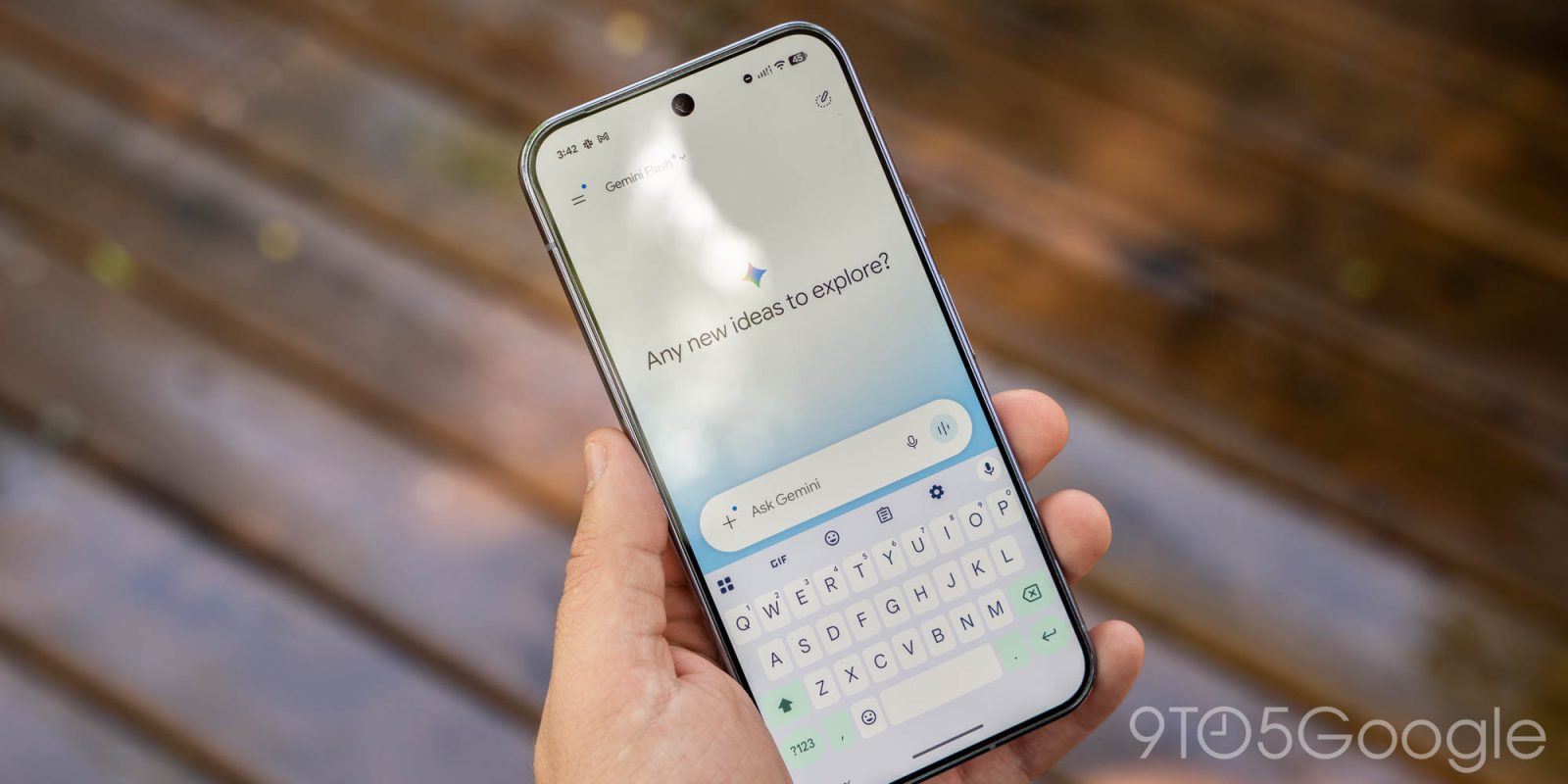
Image: 9to5Google
Splitting Privacy Preferences for Gemini App Users
Google is deploying fresh privacy controls for the Gemini application that decouple conversation retention from machine learning instruction. Previously, the single Keep Activity toggle managed both how long conversations remained saved and whether those inputs contributed to algorithmic instruction. By dividing this single choice into two distinct options, the technology company grants individuals greater authority over their personal information. People utilizing the platform can now preserve past dialogues without simultaneously feeding their text and files into future system updates. This shift addresses a frequent critique regarding data handling practices within mobile artificial intelligence assistants.
Navigating the Updated Configuration Menus on the Web
Accessing these adjustments requires visiting gemini. google. com and selecting the settings gear icon positioned at the very bottom of the interface. This action reveals a fresh Gemini History item that redirects visitors to myactivity. google. com/product/gemini, where an On and Off dropdown awaits. Beneath this menu, a specific control labeled Chat content including text and attachments dictates machine learning contributions. This particular option arrives enabled by default for accounts. Future interactions will not influence model updates unless the user explicitly supplies feedback during their session. Meanwhile, training on audio, Gemini Live videos, and screenshares continues operating as an opt-in preference managed separately.

Image: 9to5Google
Understanding the Mechanics of the History Toggle
The first of the two newly introduced preferences is simply called History, managing the duration for which past dialogues stay stored in the system. Disabling this function means future chats remain preserved for approximately two months exclusively to answer queries, process feedback, and safeguard the public alongside Google and its users through human reviewers. During active sessions, the duration lasts for twenty-four hours regarding chat context, extending to seventy-two hours for safety and protection purposes. Accounts that previously kept their Keep Activity toggle disabled will find both new toggles automatically switched off upon arrival of the update across the platform.
Bridging the Gap Between Competitors and Platform Capabilities
iPhone owners utilizing assistant features often highlight that competing setups keep queries isolated from algorithmic instruction, albeit with a less capable overall assistant. Conversely, Android users previously enjoyed superior artificial intelligence performance alongside the mandatory requirement of contributing data for machine learning. Removing this restriction lets people obtain powerful artificial intelligence capabilities while keeping their recorded dialogue strictly siloed from instructional datasets. Notifications regarding these adjustments are currently arriving via email, with the broader rollout continuing across the coming weeks for all registered accounts.

Image: 9to5Google
Key Points
- Google is separating Gemini chat retention from generative AI model training into two distinct settings.
- Users can now keep their chat history while opting out of having text and attachments used for AI training.
- Training on audio, Gemini Live videos, and screenshares remains an opt-in preference managed by the user.
Frequently Asked Questions
How do I access the new Gemini privacy settings?
Users can navigate to gemini.google.com, tap the settings gear icon, select the Gemini History item at the bottom, and manage preferences on the resulting web page.
What happens to my future chats if I turn off the history setting?
Future chats will be saved for around two months and used to respond to you, process feedback, and protect users and the public with help from human reviewers.
More Tech Updates
- More Android Google News news and updates
- Latest AI news
- Android tips and news
- iPhone and iOS updates
- Cybersecurity alerts
- Tech Updates Daily — home
Source: 9to5Google — Read the full original report at the source.
Disclaimer: This is an original article written for information purposes only, based on publicly available reports. All rights to the original report belong to its publisher. If you are a rights holder and want any content reviewed/removed, please see our DMCA / Copyright page — we act within 24-48 hours.